Intelligent Orientation for Rotated and Skewed Scans
OnDevice OCR Business detects rotated or skewed scanned documents based on the text direction and automatically orients them correctly before text recognition (OCR).
You can download OnDevice OCR Business for free from the Mac App Store and test all features with watermarked output.
When scanning large numbers of records, it is easy for individual pages or receipts to end up rotated or askew in the scanner by mistake. In addition, there are documents that are written in landscape format by design, such as wide tables.
Without correction, depending on the case, these are not only unreadable – with rotated pages, text recognition can also fail.
OnDevice OCR Business offers the right features for both cases:
Intelligent Orientation
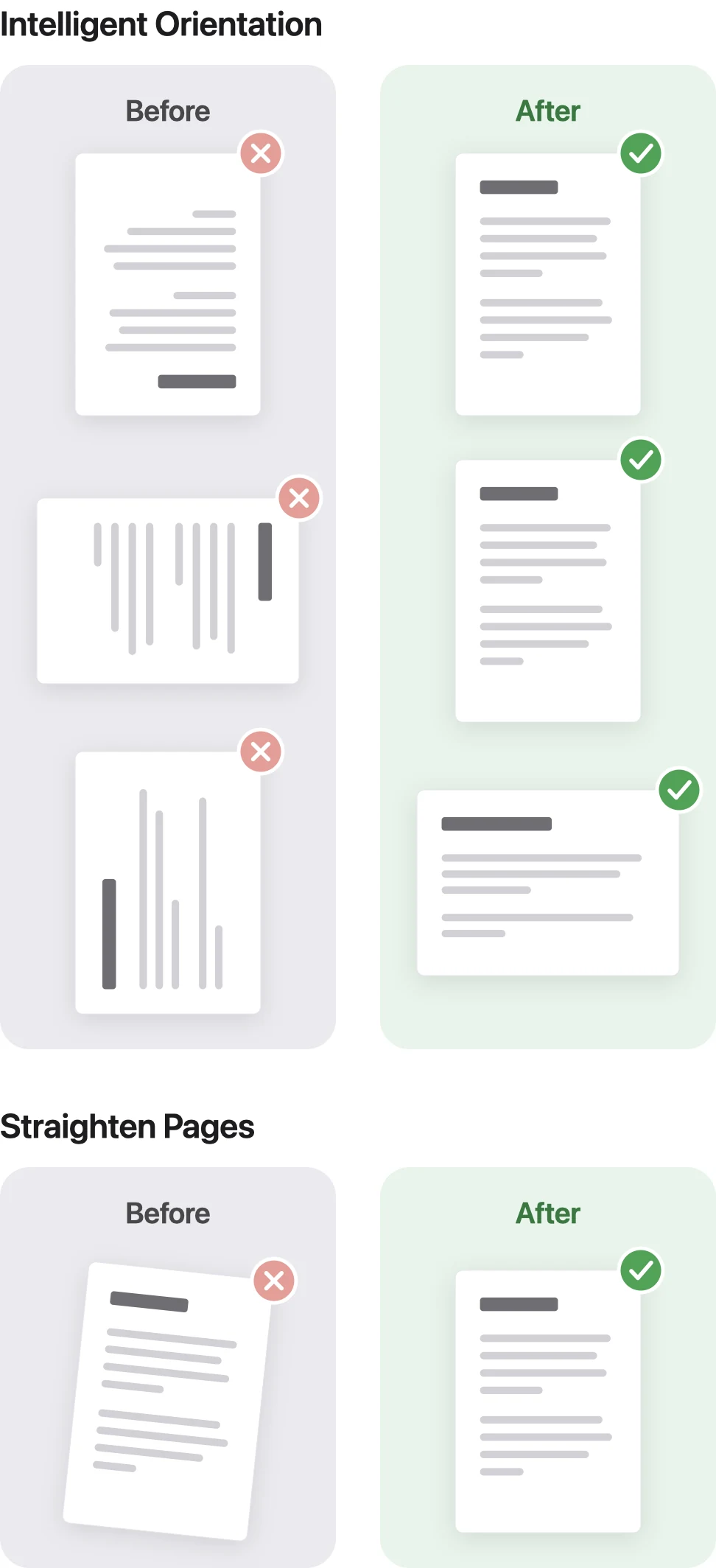
“Intelligent Orientation” checks the text direction page by page. If the app detects that the text is upside down or rotated by 90°, the page in question is automatically turned the right way up.
Landscape documents whose text reads horizontally remain unchanged.
Because the app checks each page individually, only the pages that are incorrectly oriented are corrected within a multi-page PDF.
Straighten Pages
The “Straighten Pages” feature was developed for scans that were fed in slightly askew; when it is turned on, it automatically straightens pages with a tilt of 0.25° to 7°.